Convert FBX
to STL
Drop the .fbx file below. Conversion runs in seconds, with a 3D preview before you download — free and with no account.
Drop the file here
or click to choose · up to 250 MB
converted on the server and discarded right after
file.stl
done — check the preview and download
Merges the triangles that do not change the shape. Check the preview before using it.
If this part has to become a physical object, NEO 3D Print prints and ships anywhere in Brazil — the price shows up instantly, from the file itself.
Print this part at NEO- No file is kept
- Engine: Assimp
- Up to 250 MB per file
FBX, in one sentence.
Comes out of Maya, 3ds Max and Blender. Materials and animation are dropped — STL holds geometry only.
Frequently asked questions
What changes when converting FBX to STL?
Do I need to install anything?
Is the file kept?
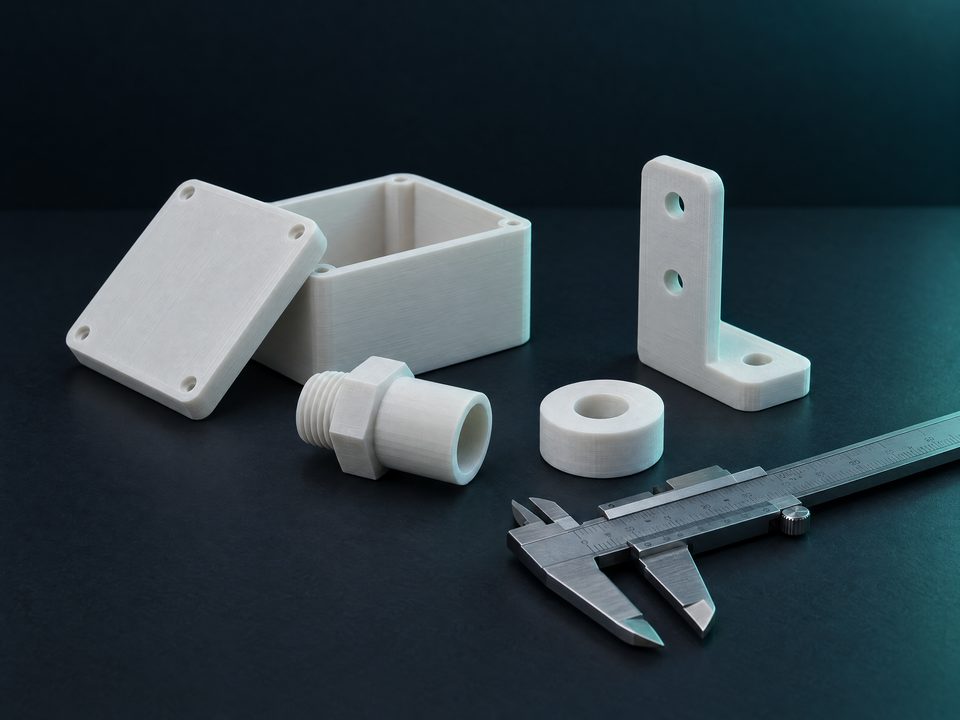
Getting this part printed?
NEO 3D Print quotes instantly from the file and ships within Brazil. Coupon ILOVESTL: a discount on your first print.
Paid referral: it is what pays the server and keeps the tools free, with no account and no ads.