How to convert STL to STEP (and why it almost never works)
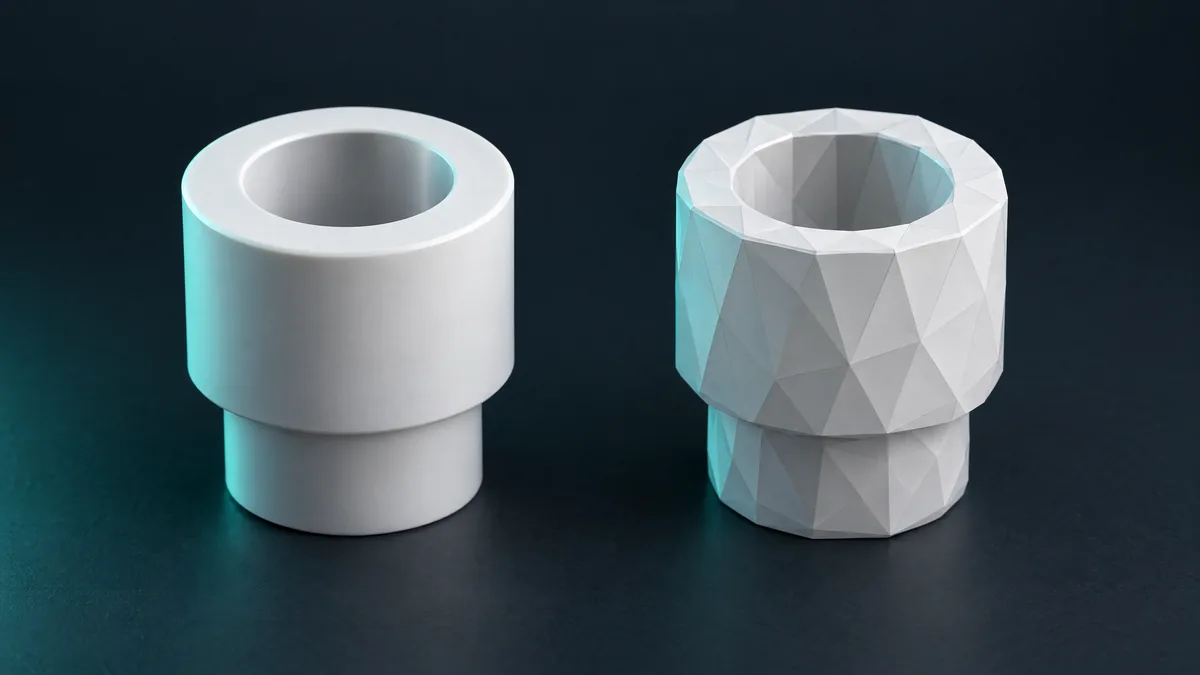
You can generate a STEP from an STL. The result is a faceted solid the CAD opens but cannot edit.
It is one of the most common searches about 3D files, and the honest answer is: you can generate a STEP from an STL, but the result is almost never what people want. It pays to understand why before losing an afternoon.
What STEP has that STL does not
STEP describes the part with exact surfaces: planes, cylinders, curves with a radius. STL describes the same part with thousands of flat triangles. Going from STEP to STL is easy, because you only approximate the curves. Coming back is the problem: nobody remembers that those 200 triangles used to be a cylinder.
What you get when you "convert"
A converter that takes STL and returns STEP does a single thing: it wraps each triangle as a flat STEP face. The file opens in CAD, but:
- a round hole becomes a 60-sided polygon, impossible to dimension or edit;
- a part with 100 thousand triangles becomes a STEP of tens of MB that chokes the CAD;
- you cannot change a thickness, a radius or a position, because there are no parameters.
For machining, or for a supplier that asks for STEP, this is usually rejected.
When the conversion is useful
As a reference: you import the mesh into CAD to draw the real part over it, measuring. In FreeCAD, Part → Create shape from mesh; in Fusion 360, Mesh to BRep copes with small meshes. In both cases the right path is remodelling.
Three ways out that work
- Find the original. If the part came from CAD, someone has the STEP. Ask.
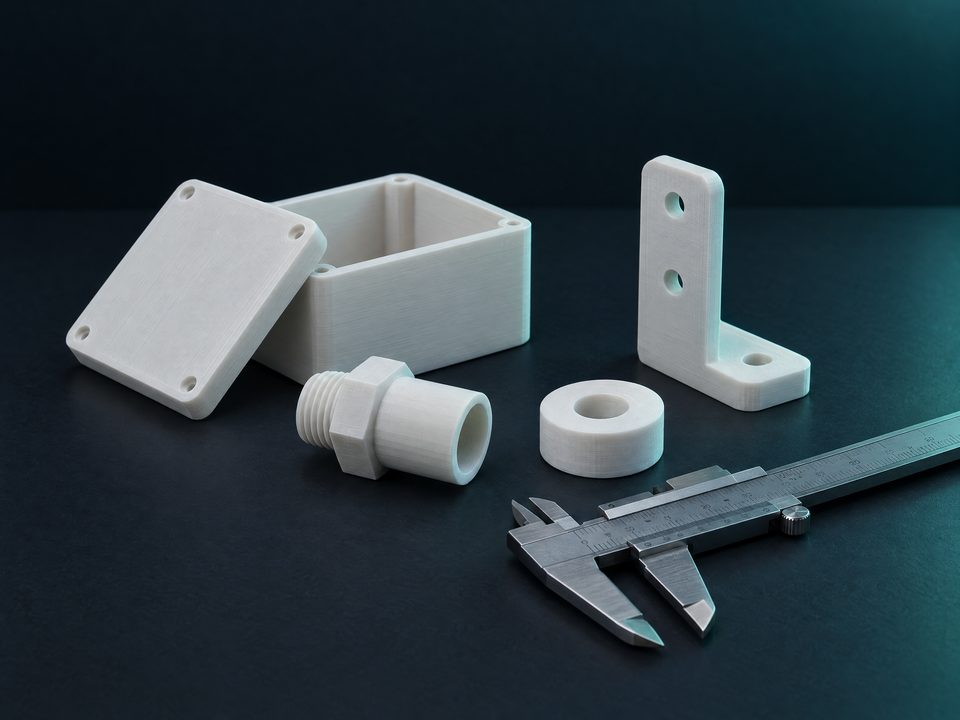
- Remodel from measurements. Simple parts (box, bracket, adapter, spacer) take minutes in a CAD.
- Generate the part already in STEP. iLoveSTL's parts to measure come out as STL and as real STEP, with exact surfaces, because they are born as solids rather than meshes.
In short. STL to STEP exists, but hands you a faceted solid. If what you need is an editable STEP, the way is the original or remodelling. For catalogue parts, the generator already delivers the right STEP.