Split a painted 3MF by colour to print with a single nozzle
Painted in two colours and the printer has one nozzle? Each colour becomes a part, with a recess of the exact shape, no AMS.
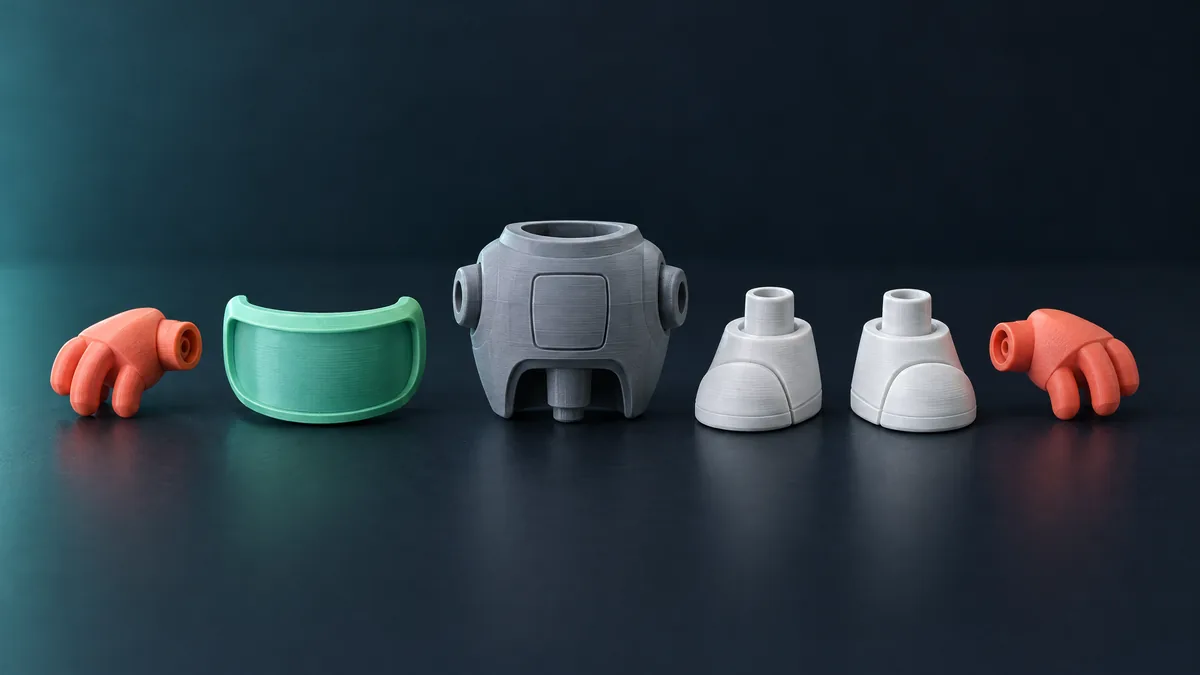
You painted the model in two colours in Bambu Studio and then remembered your printer has a single nozzle and no AMS. The classic way out is a filament change at the right layer, which only works when the colours sit at different heights. The other way is to turn each colour into a solid part and fit them together.
What the tool does
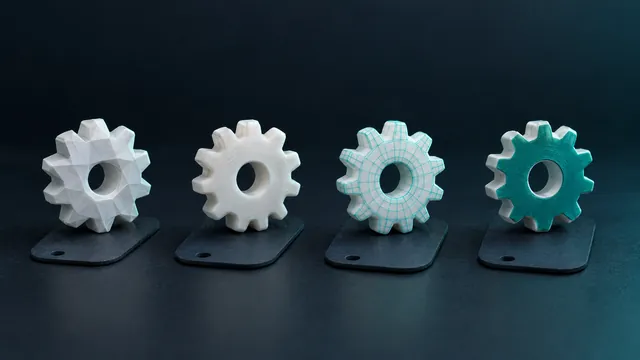
It reads the painted 3MF (Bambu Studio, OrcaSlicer or PrusaSlicer), where each triangle's colour is stored, something an STL does not have. For each painted region it fits a plane to the outline, projects the region onto that plane and cuts the body with that prism: the part is what lies outside, and the body keeps the recess. A painted eye becomes a solid eye that fits a recess of the exact shape.
Step by step
- In the slicer, paint with the colour tool and save the project as 3MF.
- Open Split 3MF by colour and drop the file (up to 64 MB).
- The preview shows the painting as the slicer does. Each colour lists how many separate regions it has; the one with the largest area becomes the body. Untick a colour to keep it in the body.
- Set the socket depth (1 mm by default): how far the part sinks into the body beyond the painted outline. Paint on a flat face, like lettering, becomes an inlay of that thickness.
- Optionally add the alignment pin: a cylinder on the part and a hole in the body, with 0.15 mm clearance, only where the part has room for it.
- Download: one STL per part and a 3MF with all of them, each already in its colour. The parts add up to exactly the original volume.
What works and what does not
- Works with fine painting, including when the slicer subdivided triangles while painting, which is nearly every hand-painted file.
- Regions under 1 mm² stay in the body: not worth a part.
- A part with no volume (paint on a very thin wall) is flagged instead of coming out empty.
- Limits: 200 regions per object. Slicer modifiers and negative volumes are ignored.
Printing and assembling
The 3MF that comes out opens in any slicer, one object per part. In Bambu and Orca the parts arrive assembled on the plate: pick a filament for each, or drag them apart to print one at a time. Afterwards a drop of cyanoacrylate in the socket holds; with the pin you often need no glue at all.
Before splitting. If your 3MF is not painted and you only want the STL, the path is the 3MF converter, which also reads the Bambu extension.