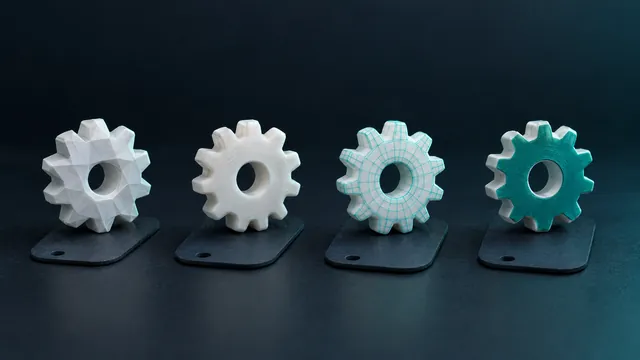
Reduce the polygons of an STL without losing the shape
A scanned model with millions of triangles freezes the slicer and prints no better. The printer cannot see what the nozzle cannot draw.
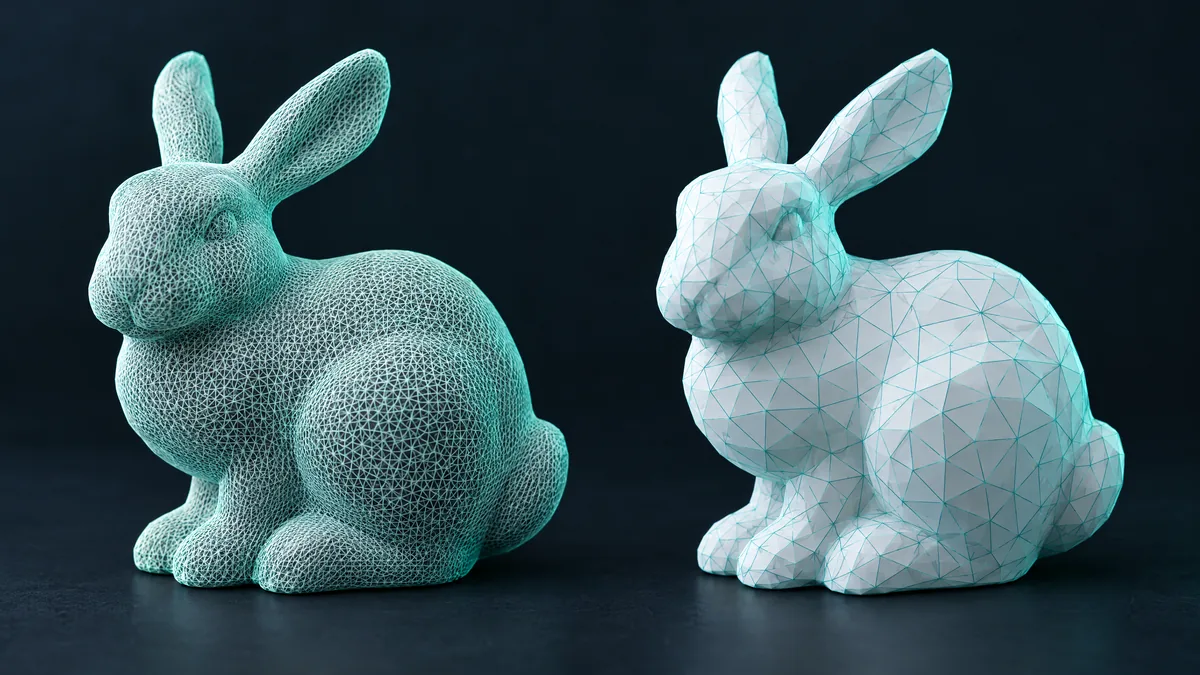
A scanned or sculpted model arrives with two, five million triangles. The slicer takes minutes to open, the computer stutters and the print is no better for it: the printer cannot see detail smaller than the nozzle. Reducing polygons is removing what does not show.
How many triangles a print needs
A 0.4 mm nozzle and 0.2 mm layers cannot reproduce variation smaller than that. A 10 cm part usually prints identically with 100 to 300 thousand triangles. Above a million the gain is zero and the cost is slicing time, memory and a giant file to upload.
How to reduce without losing the shape
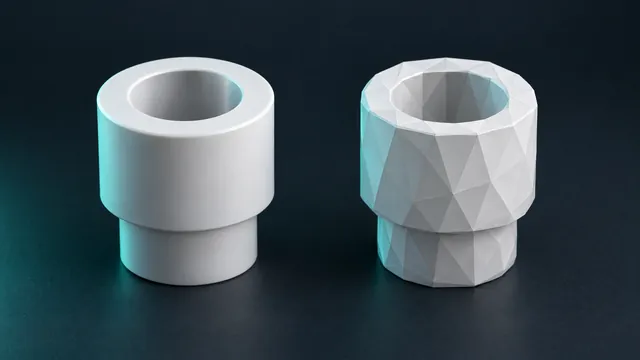
Reduction merges neighbouring triangles that lie nearly in the same plane: a smooth surface with 10 thousand triangles becomes one with 500 and the shape does not change. Where there is a tight curve or a sharp edge, the triangles stay. That is why a 70% reduction is usually invisible, and 95% starts rounding corners.
Step by step
- Open the converter and drop the file. It can be an STL: it goes in and out unchanged, just to use the reduction.
- With the preview on screen, use the Make it lighter control. The target triangle count shows next to it.
- Click Reduce and check the 3D preview: rotate, zoom in, look at curves and small details.
- If it lost too much, Original goes back to the converted file without re-uploading. If it looks right, download.
Where reduction goes wrong
- Raised lettering and logos. Thin edges disappear first. Reduce less, or protect the detail with thinner layers when slicing.
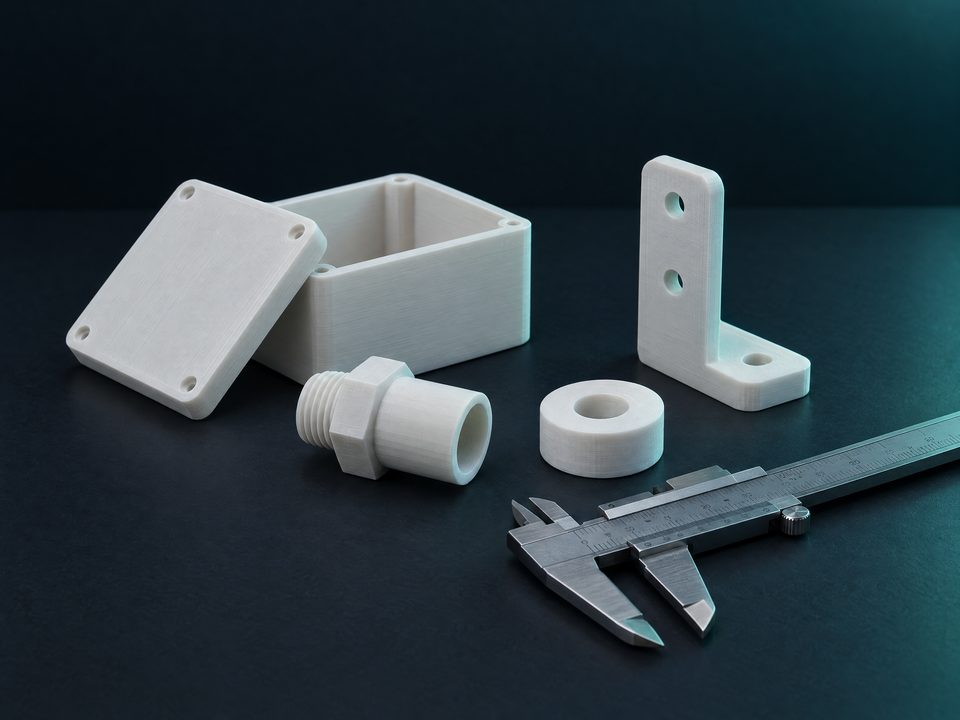
- Fits. A round hole turning into a 12-sided polygon changes the clearance. For mechanical parts, stay under 50% reduction.
- Noisy scans. Reduction can smooth the noise (good) or flatten a real detail (bad). Compare in the preview.
Heavy STEP files
CAD files with a lot of curved surface produce huge meshes on conversion. Above 300 thousand triangles the converter optimises on its own and shows how many polygons went in and how many came out.
Rule. Reduce until the preview stops changing to your eye, and stop there. The printer will not see what you cannot.