Downloaded a model and it went wrong? The 5 problems and each fix
Thingiverse, Printables, MakerWorld: the model arrived and the slicer complained. It is nearly always one of these five.
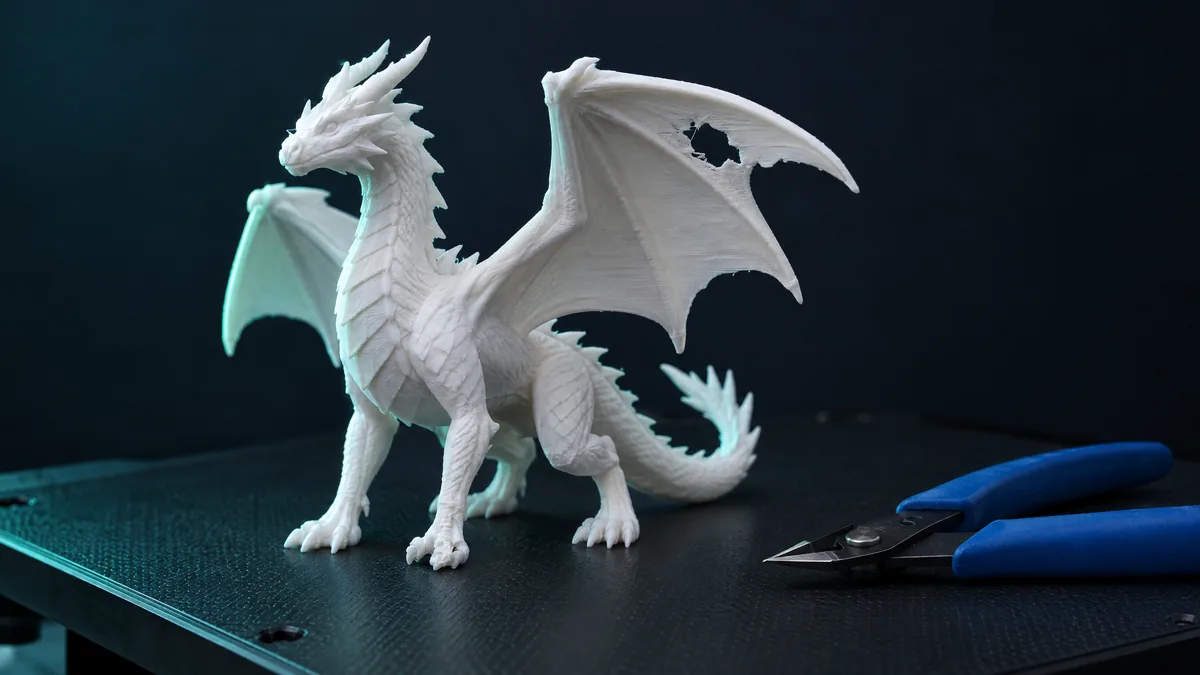
You downloaded a model from Thingiverse, Printables or MakerWorld, dropped it in the slicer and something went wrong. It is nearly always one of these five cases, and each has a one-minute fix.
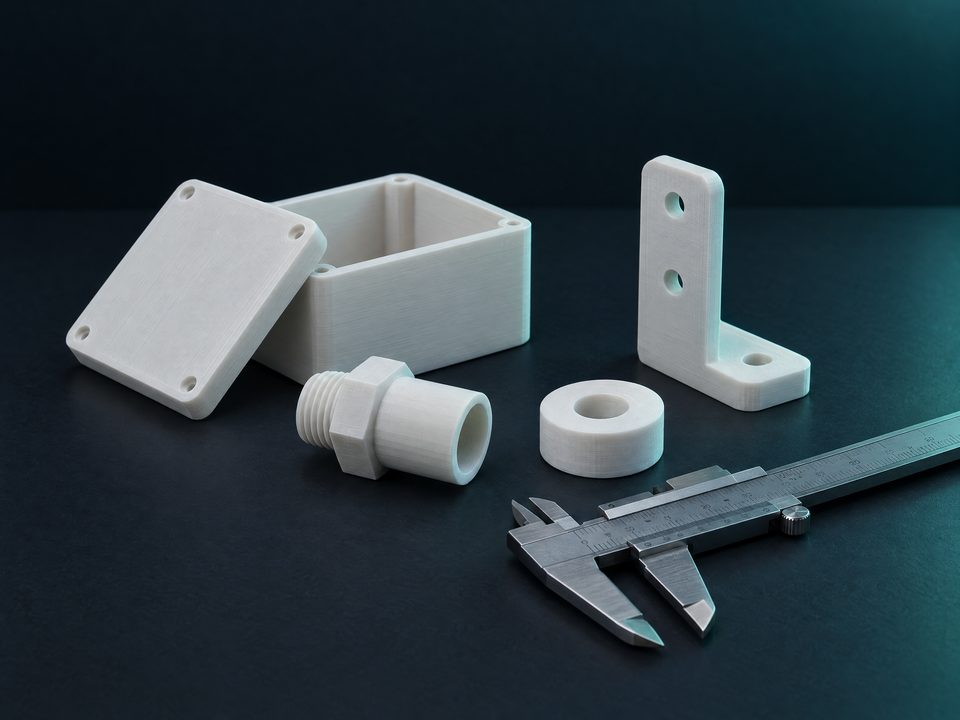
1. The part shows up tiny (or huge)
STL files carry no unit. The slicer assumes millimetres, and a model made in inches arrives 25.4 times smaller. Many older American models were published that way. Resize STL converts inches, centimetres or metres to millimetres in one click, without the file leaving your computer.
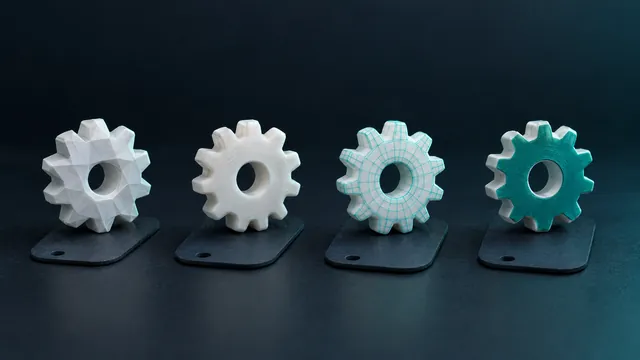
2. The slicer warns "mesh errors"
A hole in the shell, a flipped face, a duplicate triangle. The slicer may print with defects or refuse. Repair STL closes the holes, fixes the normals and shows a before-and-after report. The number to watch is "open edges": zero means a closed mesh.
3. It does not fit the bed
A helmet, a bust, a large vase. Instead of scaling down and losing the size you wanted, split it into pieces that fit your printer, print one at a time and glue. The tool already knows the beds of the Ender 3, Bambu A1 and P1S, Prusa MK4 and Neptune 4.
4. The file is not STL
It came as OBJ, 3MF, STEP or FBX. The slicer opens some of them, but not all. The converter takes ten formats and returns STL with a 3D preview. If it is a Bambu Studio 3MF and the result comes out empty in another converter, that is the "production" extension, which ours reads.
5. The file is too heavy and freezes everything
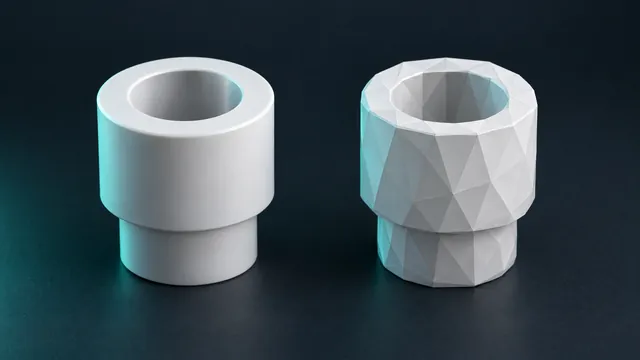
A scanned or sculpted model with millions of triangles. The slicer takes minutes to open or freezes. In the converter, after converting, use the "Make it lighter" control: it merges triangles that do not change the shape and shows the preview before you download.
What cannot be fixed
- A G-code file. It is already sliced for someone else's printer. Look for the STL or 3MF on the same model page.
- Half the object missing. Repair closes holes; it does not invent a half that is not there.
- Walls thinner than the nozzle. A 0.2 mm detail does not print with a 0.4 mm nozzle. Scaling helps; sometimes only remodelling does.
An order that usually works. Convert, repair, resize and only then split. Each step returns an STL the next one accepts.