How to convert OBJ and FBX to STL without holes or a wrong scale
OBJ and FBX are great for animation and games and poor for the slicer. Converting is quick; three details deserve attention.
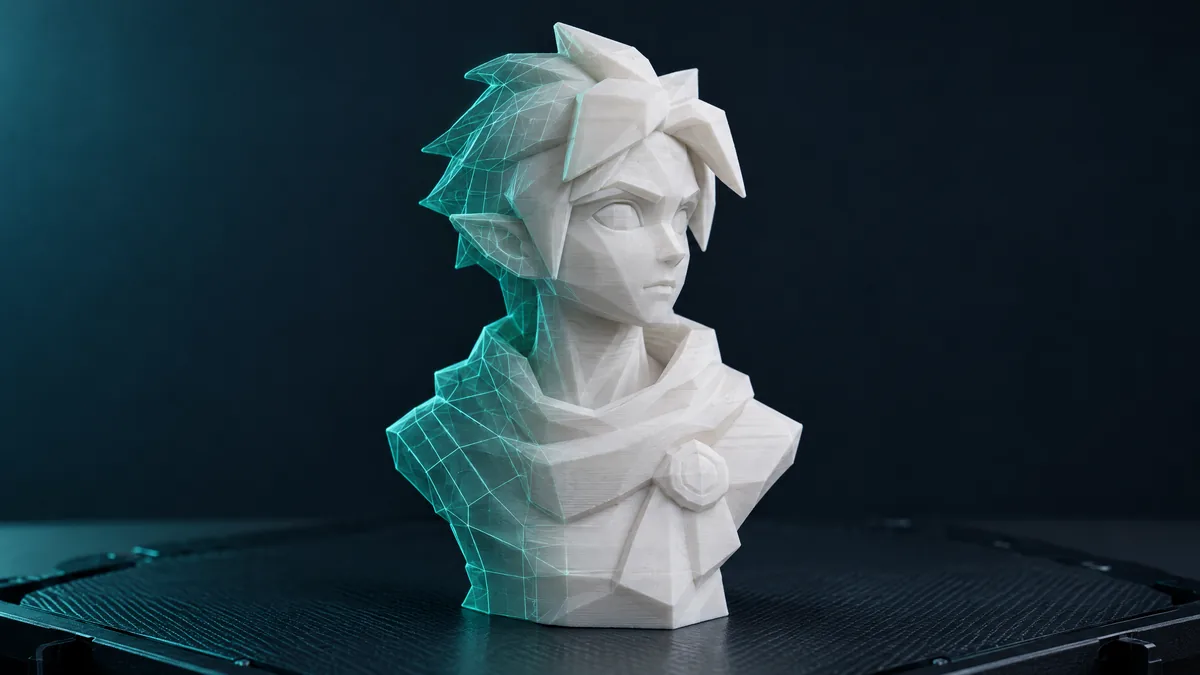
OBJ and FBX are the formats that come out of Blender, Maya, 3ds Max and ZBrush. They are great for animation and games and poor for the slicer, which wants a closed STL, no textures, in millimetres. Converting is quick, but three things deserve attention.
What OBJ carries that STL does not accept
- Four-sided faces (quads). STL has triangles only. A converter that does not triangulate properly loses half of each face and hands you an STL with holes. The iLoveSTL converter forces triangulation on export.
- Materials and textures. The .mtl file and the images stay behind. STL is geometry only; colour is chosen in the filament.
- Several objects. A scene OBJ becomes one mesh. If you need separate parts, separate them in the source program before exporting.
Step by step
- Open the OBJ to STL converter and drop the file (up to 250 MB).
- In the preview, check the dimensions in millimetres. Blender models often come out in metres or generic units: a 1.8-"unit" character shows up as 1.8 mm. Resize fixes it.
- Look at the triangle count. A ZBrush sculpt with millions of faces can be reduced right there before downloading.
- Download the binary STL.
FBX: the same story, with one detail
FBX stores bone hierarchies, animation and nested transforms. On conversion all of that is flattened: the mesh comes out in the pose and scale it was exported in. Export the FBX in the pose you want to print and with Apply Transform on, so the scale does not arrive multiplied by 100 (Blender exports FBX in centimetres by default).
Before slicing
Character models are rarely watertight: open mouths, loose eyes, clothing crossing the body. After converting, run it through repair and look at the open-edge count. Art pieces also tend to be tall and thin: splitting into parts handles what does not fit the bed.
GLB, PLY and DAE follow the same path and the same engine. The converter accepts all three, and each format's page explains what changes in each.