Slicer refused your STL? The 4 mesh defects and how to fix them
“Non-manifold object”, “open edges”: it is nearly always one of these four problems, and most fix themselves.

The slicer opens the file and warns you: mesh errors, non-manifold object, open edges. Sometimes it slices anyway and the part comes out with missing layers. It is nearly always one of these four problems, and most of them fix themselves.
What can be wrong with the mesh
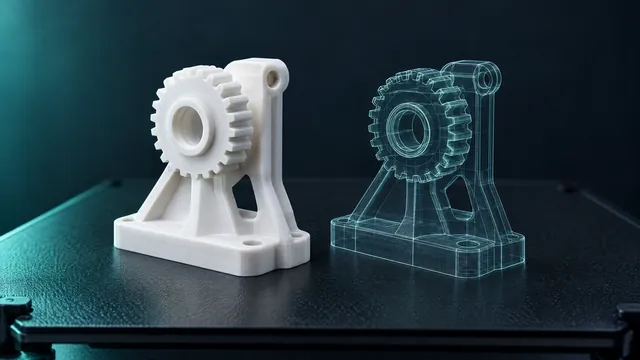
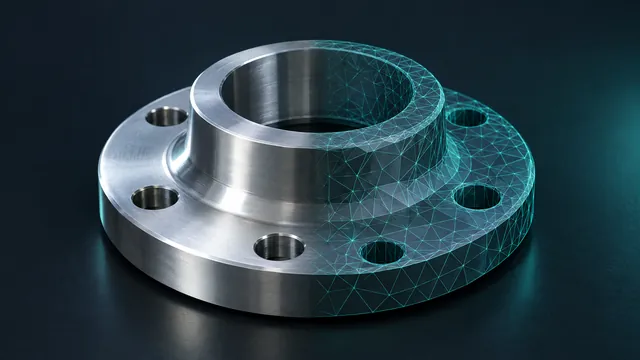
- Holes (open edges). Some edge belongs to just one triangle. Without a closed shell there is no inside and outside, and the slicer cannot tell where plastic goes.
- Flipped faces. Each triangle has an outer side. If some point inwards, the slicer sees a void where there should be a wall.
- Duplicate or zero-area triangles. Leftovers from a sloppy export that confuse the layer maths.
- Loose pieces. Scan debris floating near the part, which turns into little plastic blobs on the bed.
How to fix it
- Open Repair STL and drop the file. It takes STL, OBJ and PLY, up to 60 MB.
- Read the diagnosis: a table shows open edges, flipped faces and degenerate triangles, before and after.
- If you like, tick the option to remove tiny loose bits (under 1% of the main part's area).
- Download the repaired STL.
The number that matters is open edges. Zero means a closed mesh: the slicer takes it and the part's volume becomes real, which you also need to quote a print.
Does the fix change the part?
It leaves the good parts alone. It welds repeated vertices, drops zero-area triangles, flips faces that point the wrong way and patches where surface is missing. Dimensions stay the same, and the report shows it.
When the automatic fix is not enough
Two cases get away: a wide-open shell (half the object missing) and surfaces that cross each other. The repair closes holes; it does not invent a missing half. Then the way is back to the source program, or the slicer's own repair. The report already tells you where the problem is, which saves the hunt.
File in another format? Run it through the converter first: 3MF, STEP, FBX and the rest become STL, and then you repair.