Bambu Studio 3MF opens empty after converting to STL? Why, and the fix
The file converts, the slicer opens it and the plate is empty. It is not your model: it is the 3MF “production” extension.
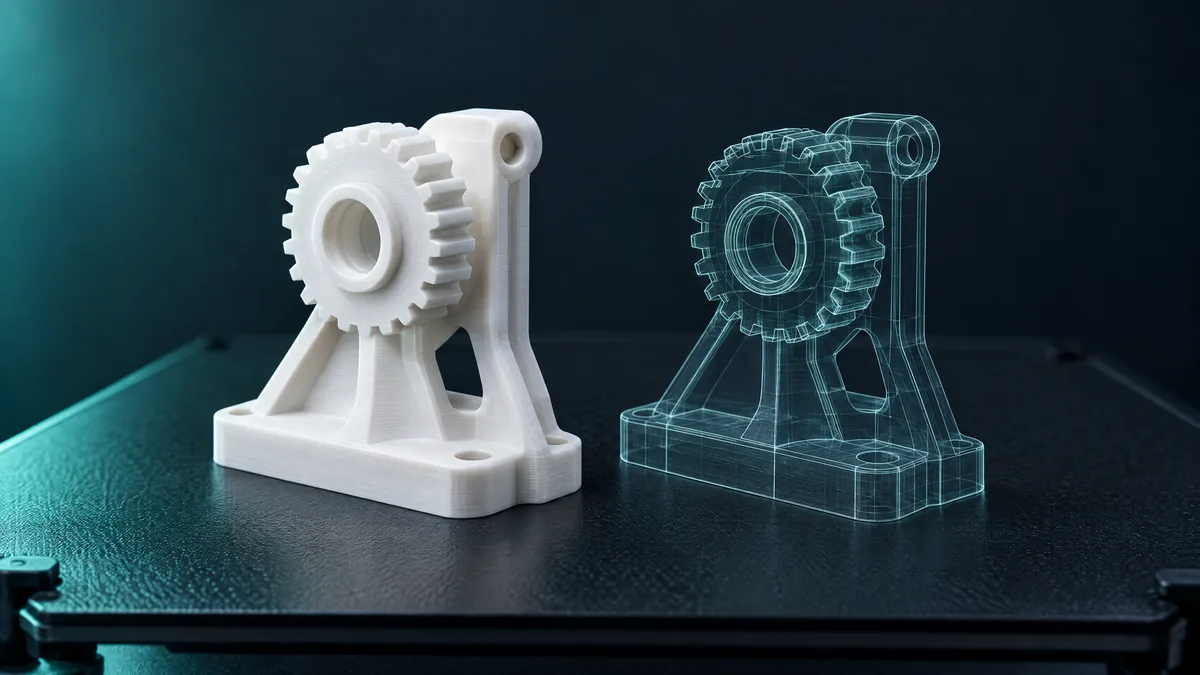
You export a project from Bambu Studio or OrcaSlicer as 3MF, drop it into an online converter and get an STL that opens blank in the slicer. The file is under 1 kB and the plate is empty. Your model is fine: it is the way those slicers write 3MF.
Why the STL comes out empty
A 3MF is a zip package. In the basic format the mesh lives in a single file, 3D/3dmodel.model. Bambu Studio and OrcaSlicer use the format's production extension: geometry goes into separate files under 3D/Objects/, and the main file only holds references to them, with each part's position.
Most converters read the main file only. Since it contains no triangles, the result is a valid, empty STL, handed over without a warning.
The second problem: negative parts
Resolving the references is not enough. In these projects one object usually has several parts, and not all of them are solid: holes, recesses and cut-out text are stored as negative parts, which the slicer subtracts when slicing. A converter that merges everything gives you the part with loose cubes and cylinders inside it.
The iLoveSTL converter reads the inner files, applies each part's position and keeps the solid parts only. It also checks the output: if there are no triangles, the conversion fails with a message instead of handing over a blank file.
An honest limit. Because negative parts are dropped, a hole made with that feature will not appear in the STL. If your project relies on them, export the STL from the slicer itself: right-click the object, Export as STL.
How to convert
- Open the 3MF to STL converter and drop the file.
- Check the 3D preview: the part must show up whole, with its dimensions in millimetres next to it.
- Download the STL. The triangle count on screen is the count of the file you get.
How to tell an STL is empty
- Size: an empty binary STL is 84 bytes; a text one, a couple of lines. A real part is at least a few kB.
- Slicer: the file imports without error, but nothing appears on the plate.
If the 3MF is painted in several colours and you want to print each colour separately, that is a different job: split the 3MF by colour gives you one solid part per colour, with a socket.